One calendar for every lesson, tutor, and location
Get rid of your spreadsheets
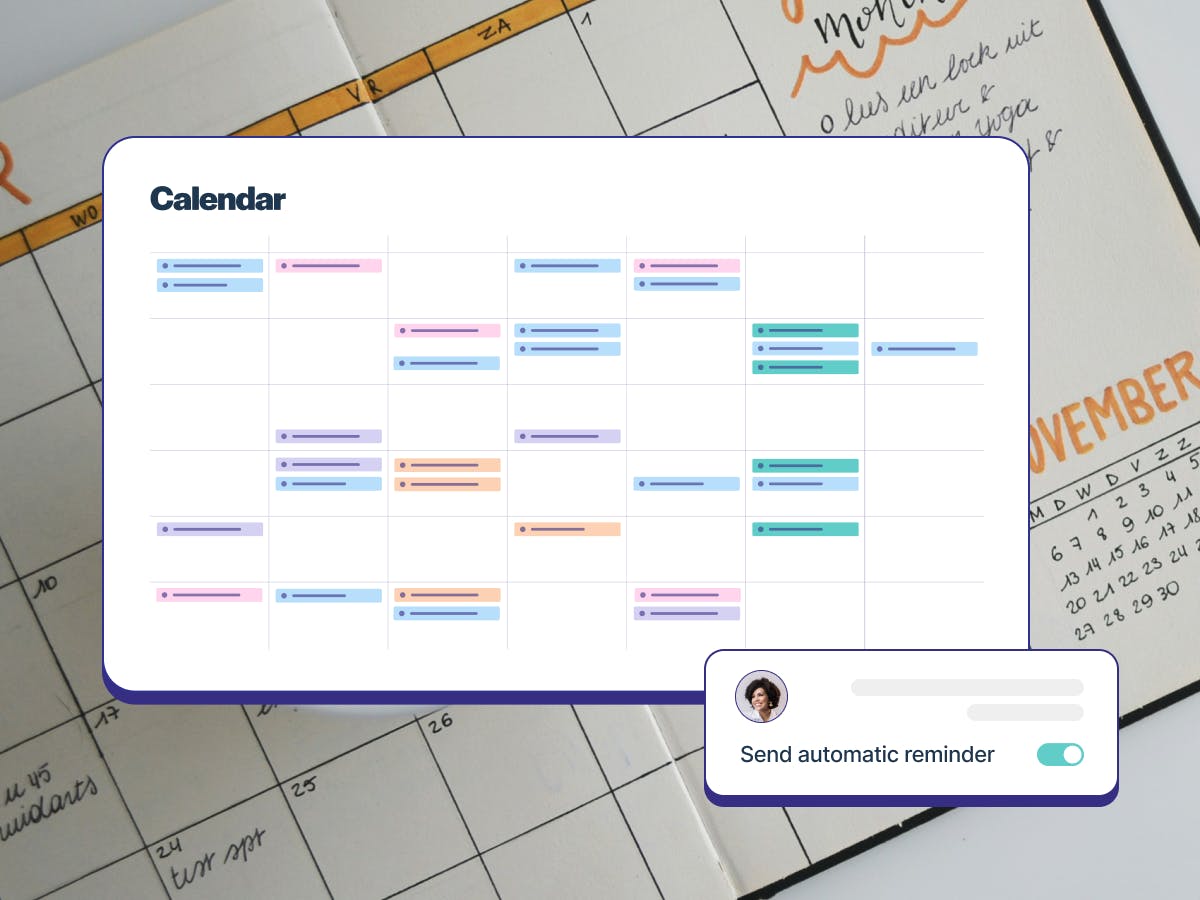
TutorCruncher’s scheduling simplifies lesson management. Easy to set up, edit, adjust, and track lessons. Clients & tutors can book effortlessly, and admins have access to a clear, centralized view of all schedules. With automated reminders to minimize no-shows and real-time calendar sync, everyone stays organized and informed.
Features
Lesson reminders
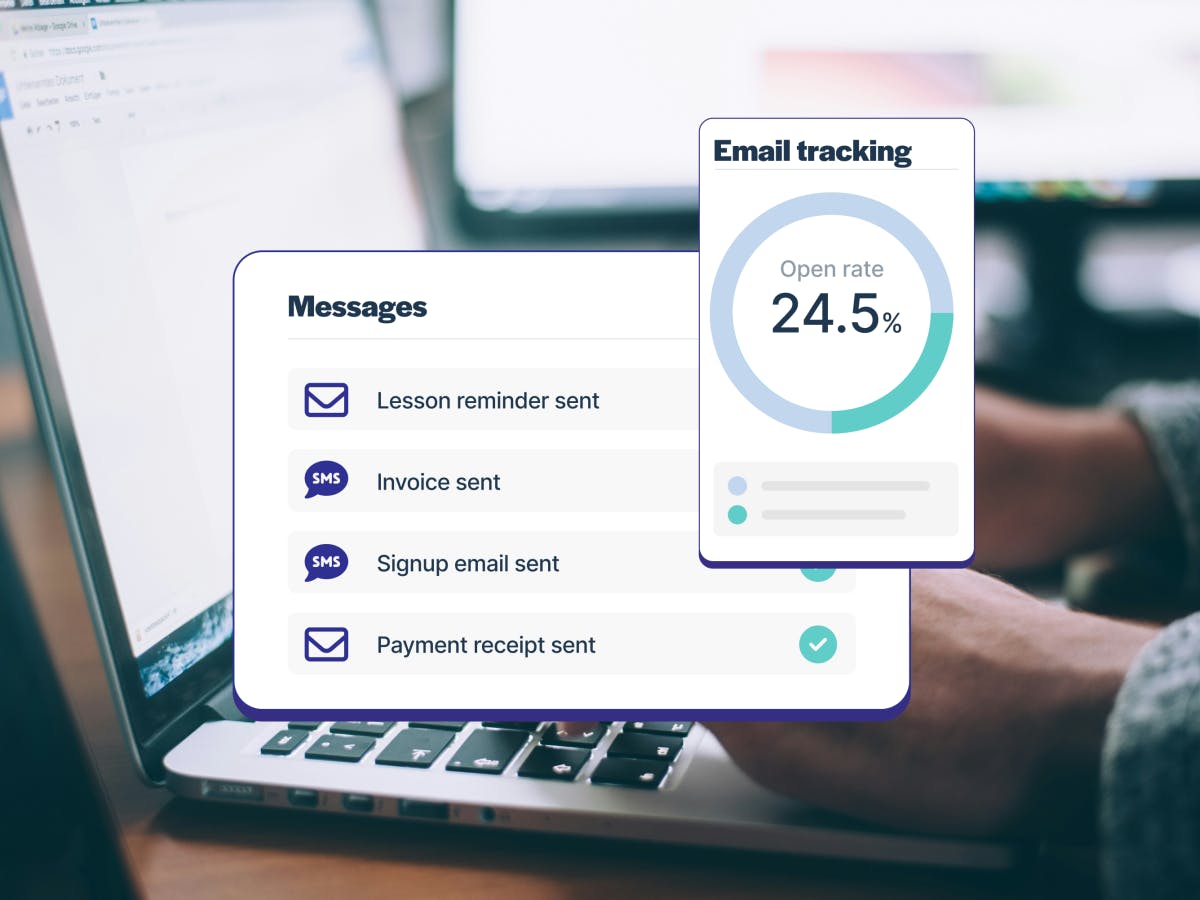
TutorCruncher's automatic lesson reminders go to tutors and clients before every lesson by email, SMS, or app notification. They’re smart too: reminders only go out for lessons that are actually going ahead, never for finished jobs or lessons without a tutor.

Flexible lesson options
Run one-to-one and group lessons, with different charge and pay rates by lesson type, length, or group size. Repeating lessons are easy to set up: simply choose the days, set a “Stop on” date, and create up to 200 lessons at once, all landing at the right time in your time zone. You’ll get a warning if a repeat schedule has no end date.

Self-service booking for one-on-one lessons
Clients can view available time slots for their preferred tutors and select the dates and times that best fit their schedules. Clients can book one-off sessions or recurring lessons as needed. Once a session is booked, both the client and the tutor receive automatic confirmations and reminders, minimizing the chance of missed lessons.

Location & room management
Manage in-person and online lessons side by side with TutorCruncher’s location management system. With conflict-aware scheduling, you can avoid double-bookings by checking location availability in real time. TutorCruncher also supports online lessons, allowing you to easily add video call links to virtual sessions.
Whether sessions happen in tutoring centres, at clients' homes, or online, TutorCruncher ensures every location detail is clear and organized.

Lessons across time zones
Teaching students in another time zone? The lesson form shows times in both your time zone and the student’s, so international and online lessons are always booked at the right time.

Tutor student matching
TutorCruncher's tutor-student matching empowers admins to create the best pairings by considering factors such as teachable skills, proximity to the client, and availability. This intelligent matching system makes sure that students are paired with tutors who not only have the relevant expertise but are also conveniently located and available at the right times.
Tutor availability
TutorCruncher's tutor availability feature offers real-time visibility into when tutors are free for sessions, with conflict-aware functionality that prevents overlapping bookings. This means that tutors are only scheduled when they are truly available, minimizing scheduling conflicts and improving communication with clients.

Jobs board posting & management
TutorCruncher's available jobs feature streamlines the process of connecting tutors with opportunities. Admins can easily post job listings that detail specific requirements, such as subject expertise, location, and session times. Tutors can browse these listings and apply directly through the platform, allowing for quick and efficient hiring.

Customizable lesson reports
Lesson reports offer detailed insights into each tutoring session, allowing tutors, clients and admins to track progress effectively. Reports are fully customizable, so tutors can log essential information, including topics covered, student engagement, and homework assigned. Admins can review reports side by side with lesson details, approve with one click or in bulk, and send report PDFs that include attendance.
Online lessons with Bobbin
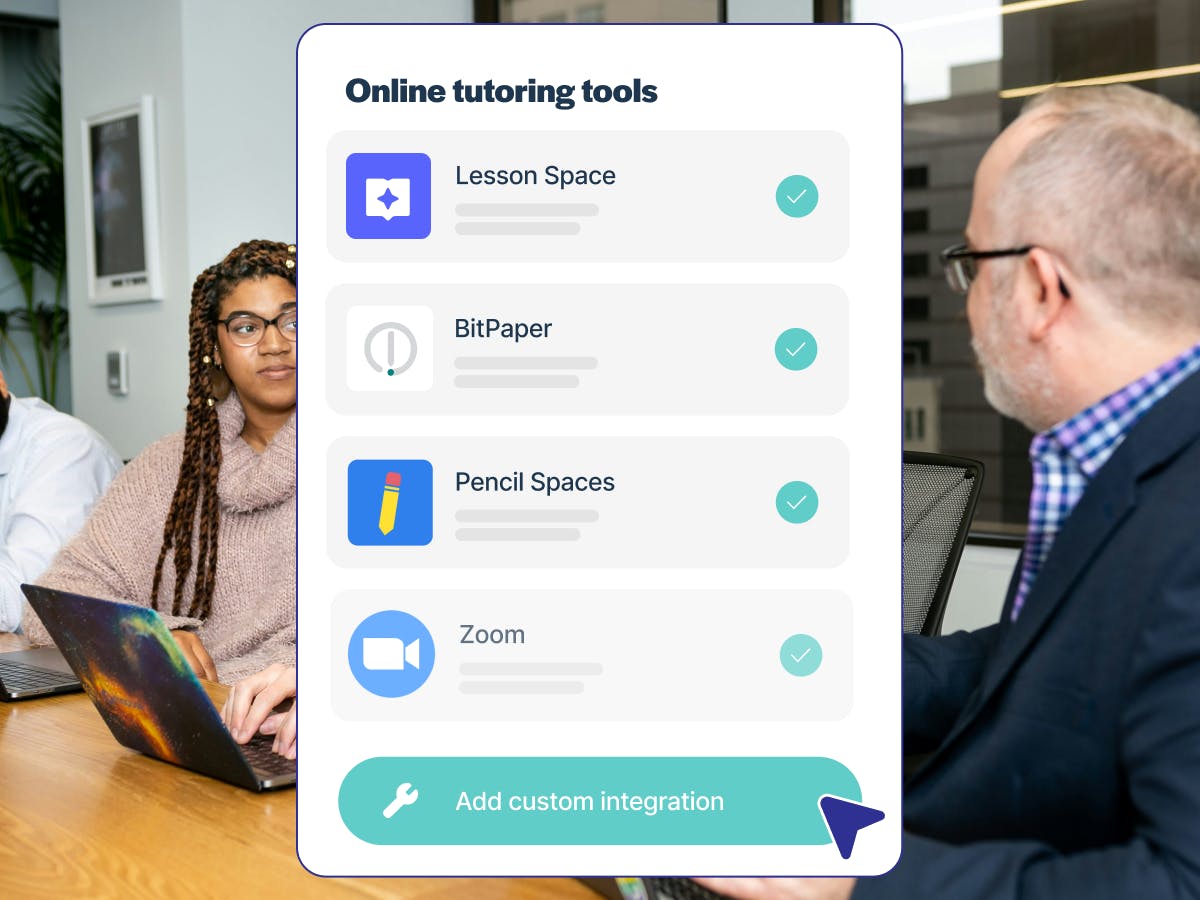
Bobbin is TutorCruncher’s own AI-powered lesson platform. Tutors can plan lessons, teach online with a built-in whiteboard, and share automatic lesson reports with students and parents, all connected to TutorCruncher. Switching from Lessonspace? A guided migration moves your lessons and document library across.
TutorCruncher also supports integrations with a range of other online whiteboards.

Upload resources
In TutorCruncher, tutors, clients, students, and admins can easily upload lesson materials and resources, including lesson plans, homework assignments, study materials, and feedback forms directly within the platform. By providing a centralized location for documents, TutorCruncher makes sure that all participants have access to the necessary materials for tutoring.

Works on any screen
Manage your calendar from your desk or on the go. The calendar has a month view on mobile and scrolls smoothly on tablets and foldables, and the lesson pop-up lays out the details clearly.
Create the software solution you need with TutorCruncher
Ready for your 2-week free trial? Create an account or get in touch.