
Finding the right tutoring software can be a game-changer for your teaching business.
Having a reliable platform that simplifies scheduling, payment processing and student management is crucial to keeping things running smoothly. The best tutoring software will enable you to automate scheduling and securely accept payments, making your operations more efficient and saving you some headaches.
Whether you run a large tutoring centre or are an independent instructor, the right tool can make a significant difference. Platforms like TutorCruncher offer comprehensive business management features, including invoicing and tutor-student matching capabilities. This means you can focus more on teaching and less on administrative tasks.
And remember, these tools not only streamline your operations but can enhance the learning experience for your students.
What are the benefits of using tutoring management software?
There are many benefits to using tutoring management software for everyone, from small business owners to large tutoring agencies.
This includes having an optimal online appointment scheduling solution, managing customer relationships more easily, and being able to scale your business effectively.
1. Save time
Scheduling, invoicing, and payroll can eat up hours every week. A platform automates the repetitive stuff, such as sending reminders, generating invoices, and logging hours, so you can focus on running and growing your business rather than chasing spreadsheets.
2. Keep billing accurate
Manual invoicing is prone to errors and inconsistencies. A management platform tracks sessions automatically and bills accordingly, which means fewer disputes, faster payments, and a more professional experience for clients.
3. Centralize tutor and client management.
Instead of juggling multiple tools, everything lives in one place, from tutor profiles to client details, session history, and communications. As you scale and the number of moving parts grows in your business, you’ll need software that can keep everything together.
4. Improve compliance
For tutoring businesses and agencies, keeping records of DBS checks, contracts, and payment flows isn't optional: it's a legal requirement. A good platform makes it easy to store and access that documentation when you need it.
5. Stay on top of your business
Reporting and analytics let you see which tutors are busiest, where revenue is coming from, and where there are gaps. That kind of oversight is hard to get from a spreadsheet and incredibly useful when making decisions about hiring, pricing, or growth.
What should I look for in tutoring software?
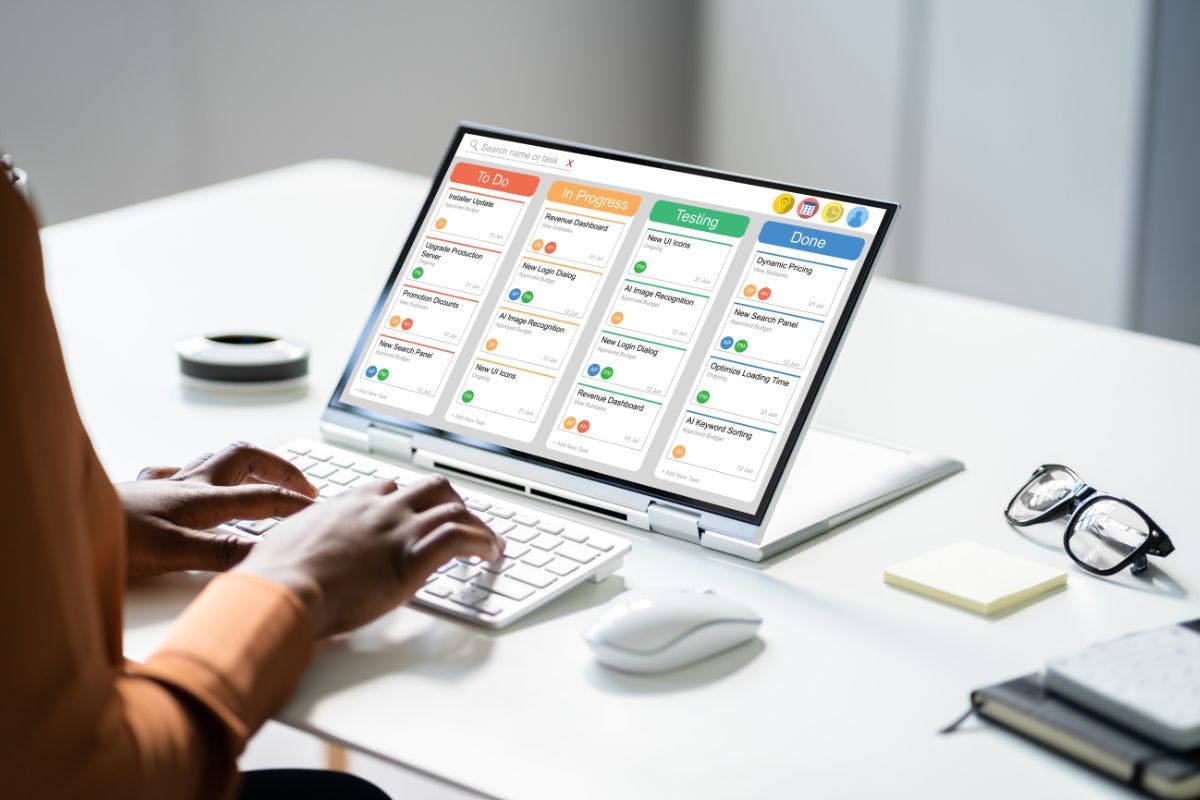
Before we get into the best tutoring software picks for 2026, it’s important to consider a few things when investing in a platform. This includes:
Ease of use
Look for user-friendly software. You, your tutors and their students should find it simple to navigate and use its features. A friendly interface can save time and reduce the learning curve for new users.
Scheduling capabilities
Efficient appointment scheduling ensures you can easily set up lessons. This feature helps avoid double bookings and allows students to book sessions at convenient times.
Communication tools
Look for options such as messaging, email integration and web conferencing software designed to facilitate clear communication management. These tools help maintain contact with both students and their parents.
Payment processing
Look for software that helps process payments securely and efficiently. This feature can manage invoicing, payments and even payroll for tutors, making it seamless to handle financial transactions.
Reporting and analytics
Good tutoring software should provide insights through detailed reports and analytics. This can include tracking session statistics, progress reports and attendance records, giving you a full view of your business.
Integrations
Integration with other platforms, such as calendars or email, can enhance business management software. Integration ensures a smooth workflow and better productivity.
Support and training
Strong customer support and ample training resources are crucial. Check if the software provider offers tutorials, webinars or a responsive support team to help when needed.
Top tutoring platforms in 2026
Tutoring management platforms offer various features to enhance the learning experience for students and streamline operations for educators.
Below are some of the top tutoring platforms in 2026, complete with useful features and user experiences.
1. TutorCruncher
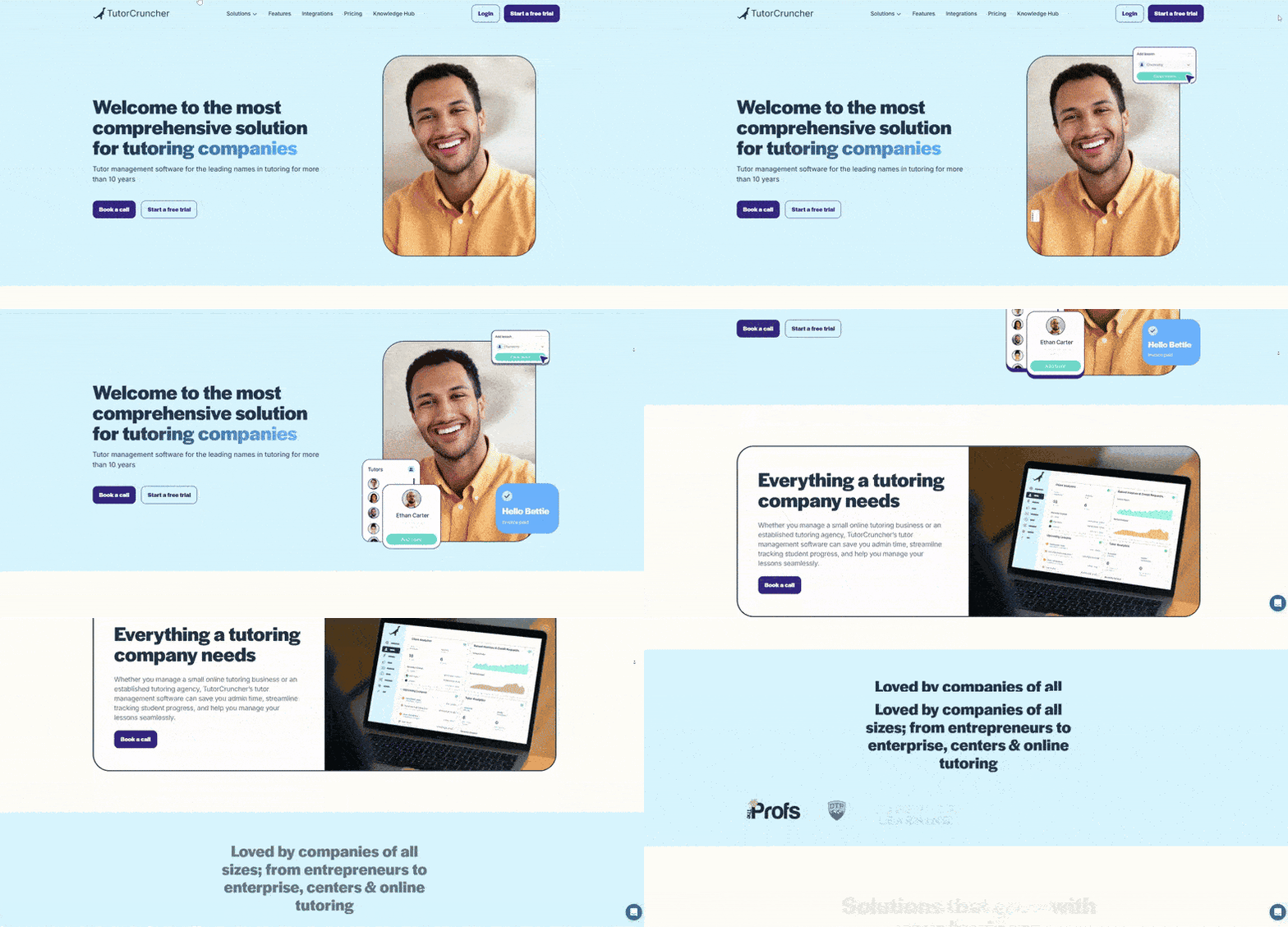
TutorCruncher is a tutoring management platform designed by a tutoring company, for tutoring companies. It includes everything a tutoring business needs to run smoothly and scale effectively.
Pros
- Comprehensive management tools: Enable business owners to manage scheduling, invoicing and payroll easily.
- Customizable reports: Track student progress and use business analysis to manage sales.
- User-friendly interface: Easy for tutors and students to navigate with a brand new look just revealed for 2026.
- Integration options: There are a lot of options for integrations with TutorCruncher, with various payment software systems and communication tools available.
- In-person support: TutorCruncher’s help team are available online and over the phone. Based in the UK and US, customers frequently praise the quality of support provided.
Cons
- Pricing: It can look like a higher cost for smaller businesses, but TutorCruncher offers a really effective platform to scale your business.
- Learning curve: Initial setup can take time, but once a company is fully onboarded, TutorCruncher will often be the last tutoring platform they need!
2. Teachworks
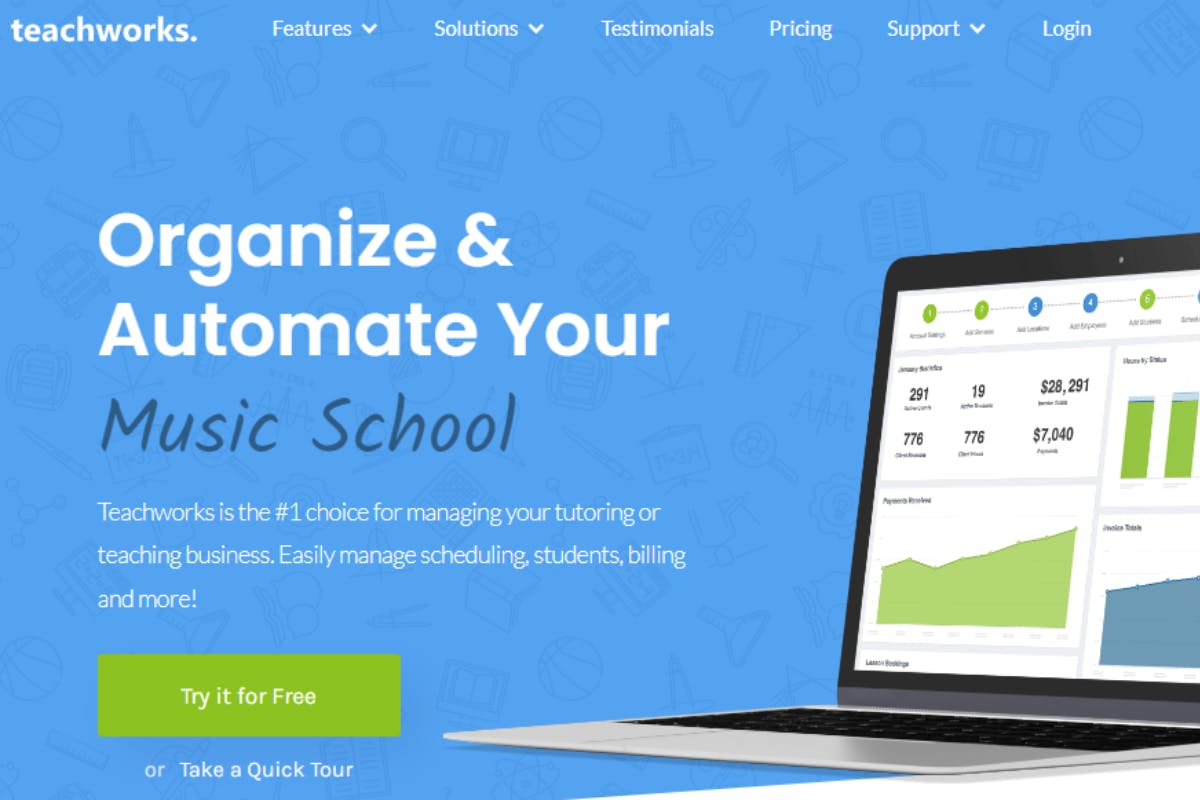
Teachworks is known for its tutoring software that enables businesses to schedule lessons and manage student information effectively. It offers cloud-based solutions, making it accessible from anywhere.
Pros
- Scalable: Suitable for both small and large tutoring centres.
- Integration options: Syncs with various payment software systems and communication tools.
- Flexible scheduling: Supports multiple tutor-student schedules.
Cons
- User experience: Some features are less intuitive.
- Customer support: Response time can be slow during peak times.
- Onboarding process: Multiple customer reviews claim there is no onboarding training, so it can take a long time to understand how the platform works.
3. TutorBird
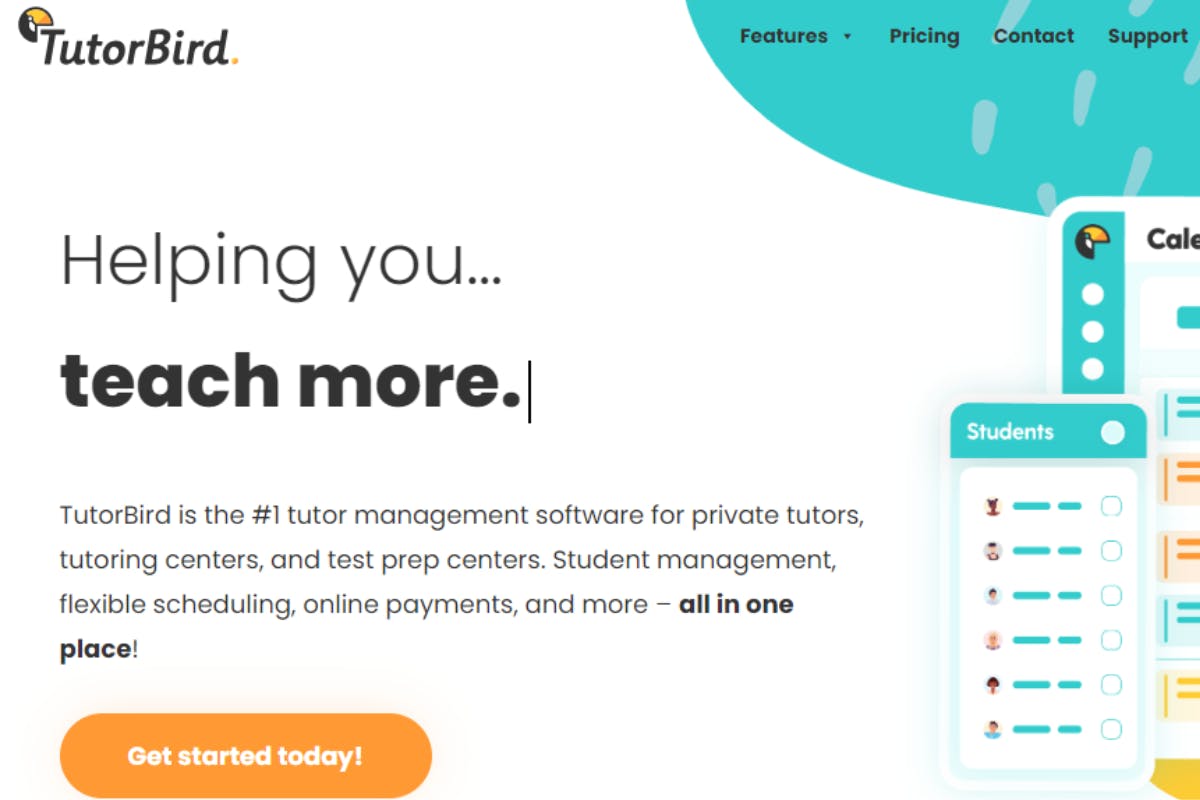
TutorBird is a web-based tutoring solution offering a comprehensive set of tools for managing tutoring businesses. This platform is particularly appreciated for its affordability and robust feature set.
Pros
- Affordable pricing: Good value for features offered.
- All-in-one solution: Combines scheduling, billing and student management.
- Convenient communication: Integrated messaging system for tutors and students.
Cons
- User interface: Design can feel outdated, tricky to use and can be glitchy.
- Invoicing platform: Can be hard to use without prior experience and can cause customer confusion.
- Limited advanced features: Lacks some customization options for grade books, invoices and payments.
4. Oases Online
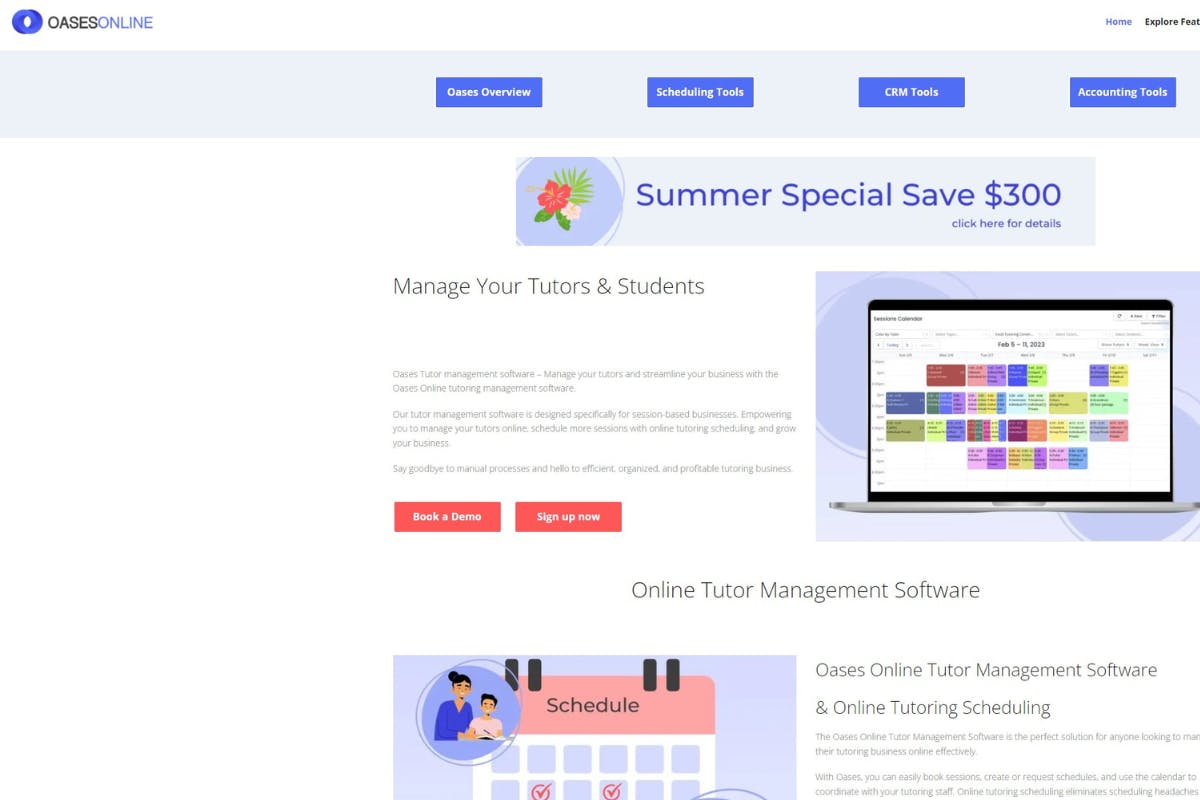
Oases Online offers a cloud-based software solution tailored for educational institutions and tutoring businesses. It is known for its powerful management capabilities and detailed reporting tools.
Pros
- Comprehensive student management: Tracks academic progress and attendance.
- Customizable: Flexible to fit various business needs.
- Detailed analytics: Robust reporting for performance tracking.
Cons
- Cost: Can be expensive for smaller businesses, has no free trial and has charges for programming, document templates, emails, SMS and payments.
- Interface complexity: Might be overwhelming for new users and hard to learn how to use.
- Outdated UX: There is a lack of options for automation and customization, plus it hasn’t been updated recently.
Frequently Asked Questions
Good tutoring software can improve the learning experience for students and help educators manage their schedules effectively. Here, we answer some of the most commonly asked questions.
What features should I look for in high-quality tutoring software?
High-quality tutoring software should offer the following:
- Online appointment scheduling: To make booking sessions easier.
- Student management: To keep track of progress and assignments.
- Web conferencing software: To conduct virtual classes.
- Security features: To protect data and securely accept payments.
- Tutor-student matching tools: To accurately pair the right tutor for each client.
Are there cost-effective solutions for tutoring management?
Yes, there are several affordable options. Some platforms offer a free version or trial periods. For example, TutorCruncher provides a 14-day free trial to help educators manage students and classes.
How does tutoring software enhance the learning experience for students?
Tutoring software improves the learning experience by providing interactive and engaging tools. This includes:
- Online whiteboards and screen sharing: Make lessons more dynamic.
- Messaging systems and secure online portals: Keep tutors and students connected.
- Customer relationship management systems: Enable students to give feedback, which allows tutors to structure future tutoring sessions better.
Try our tutor management software today!
Choosing the right tutoring software is essential for running an effective tutoring company. Each platform offers unique features to help manage your tutoring business and engage students.
When selecting software, consider your specific needs. Platforms like TutorCruncher excel because of how comprehensive our platform is. Our platform offers a range of pricing plans which cater to different scales of tutoring, from small groups to large teams.
Interested in trying our tutor management software? Contact us today to see how we can help scale your business and improve customer service.